 Watchletic
Tredict on Apple Watch and Wear OS
Watchletic brings your Tredict training plan to Apple Watch and Wear OS across running, cycling, and swimming.
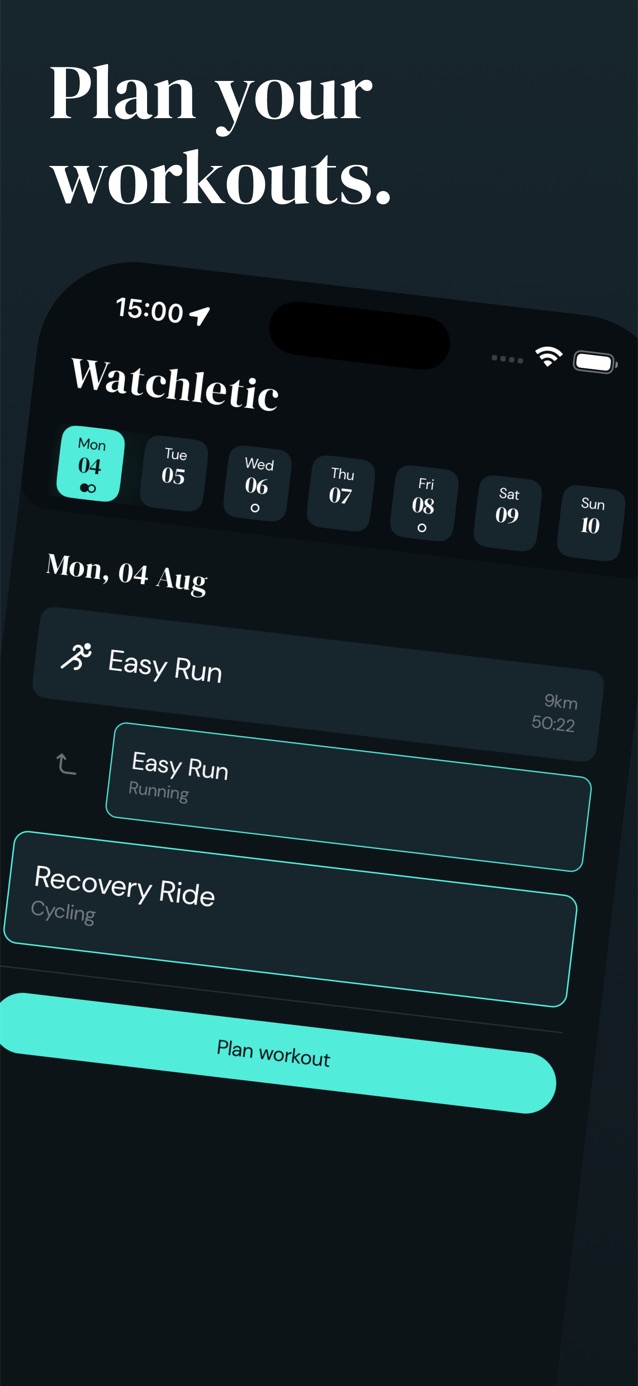
Plan your structured sessions in Tredict, import them into Watchletic, and follow each interval from your wrist.
Completed workouts flow back into Tredict for analysis of form, fitness, fatigue, and training zones, while every workout is also saved to Apple Health or Health Connect.
With Tredict's MCP Server, you can even let an AI assistant build complete training plans in plain language, then run each session directly through Watchletic.
Questions or ideas? Reach me at viktor@watchletic.com.


It's free to get started.
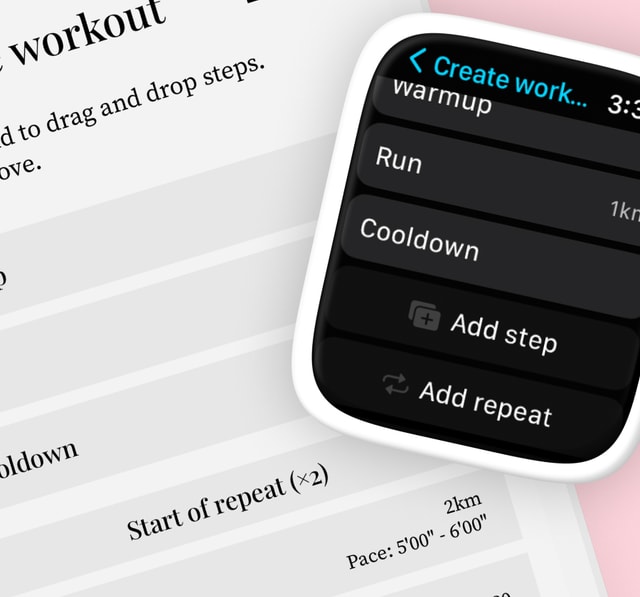
Custom structured workouts
Build a workout from intervals, warmups, cooldowns, and recovery steps, then set the targets you want to follow.
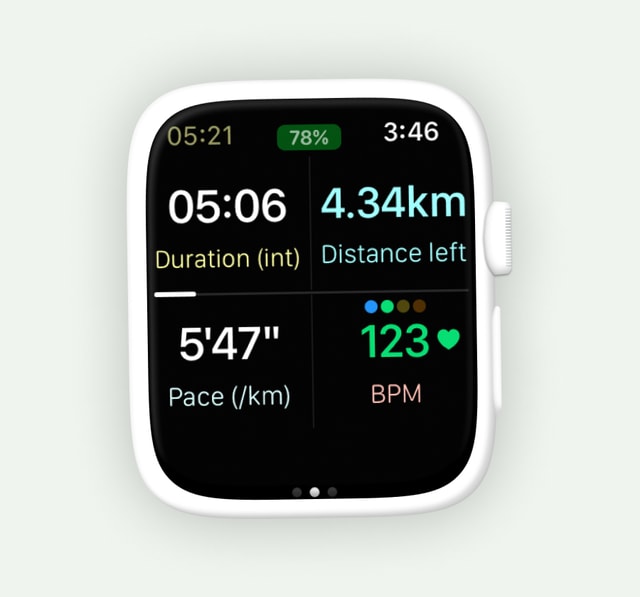
Easy to read at a glance
Large type, clear colors, and flexible layouts keep your pace, heart rate, and next interval visible while you move.
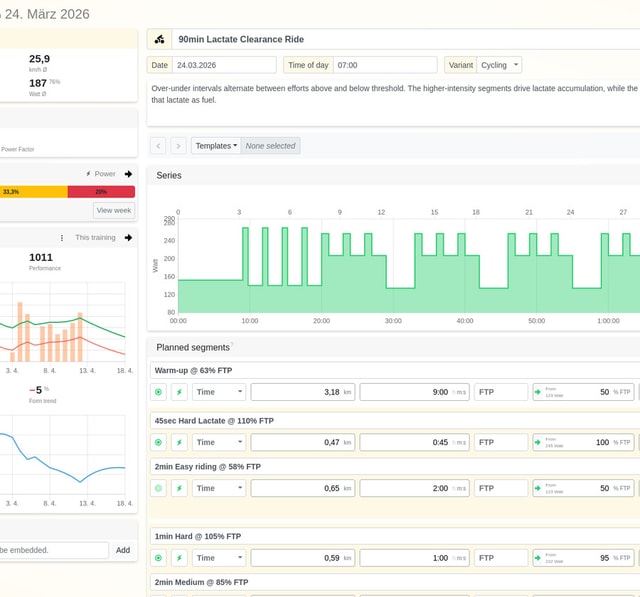
Tredict integration
Import running, cycling, and swimming sessions from Tredict, follow every structured step on your watch, then send the finished workout back for detailed training analysis.
It's free to get started.
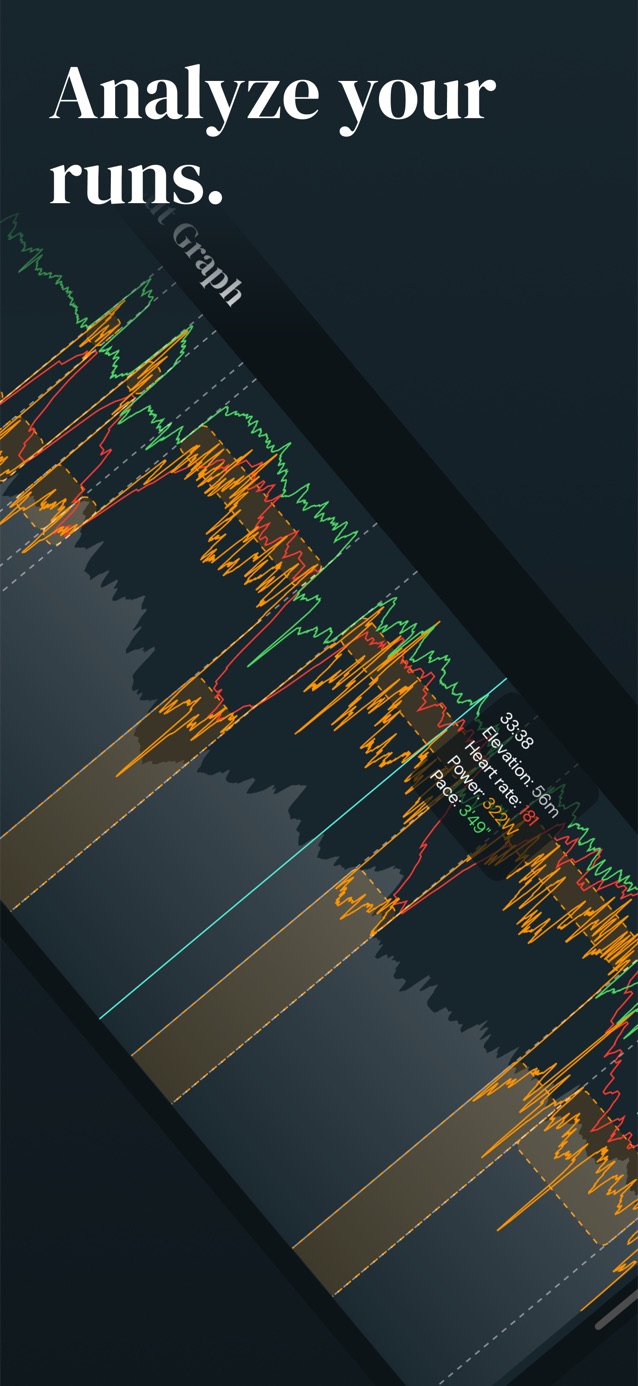
See Watchletic plan, track, and analyze a run


Features
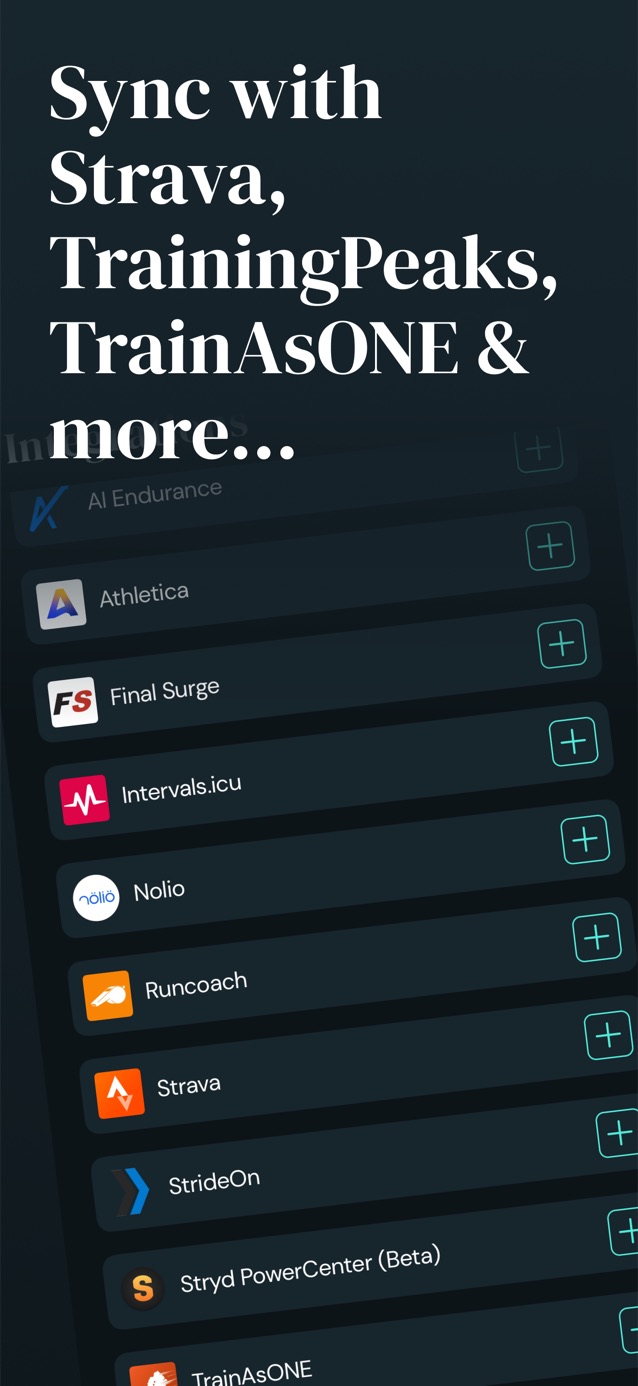
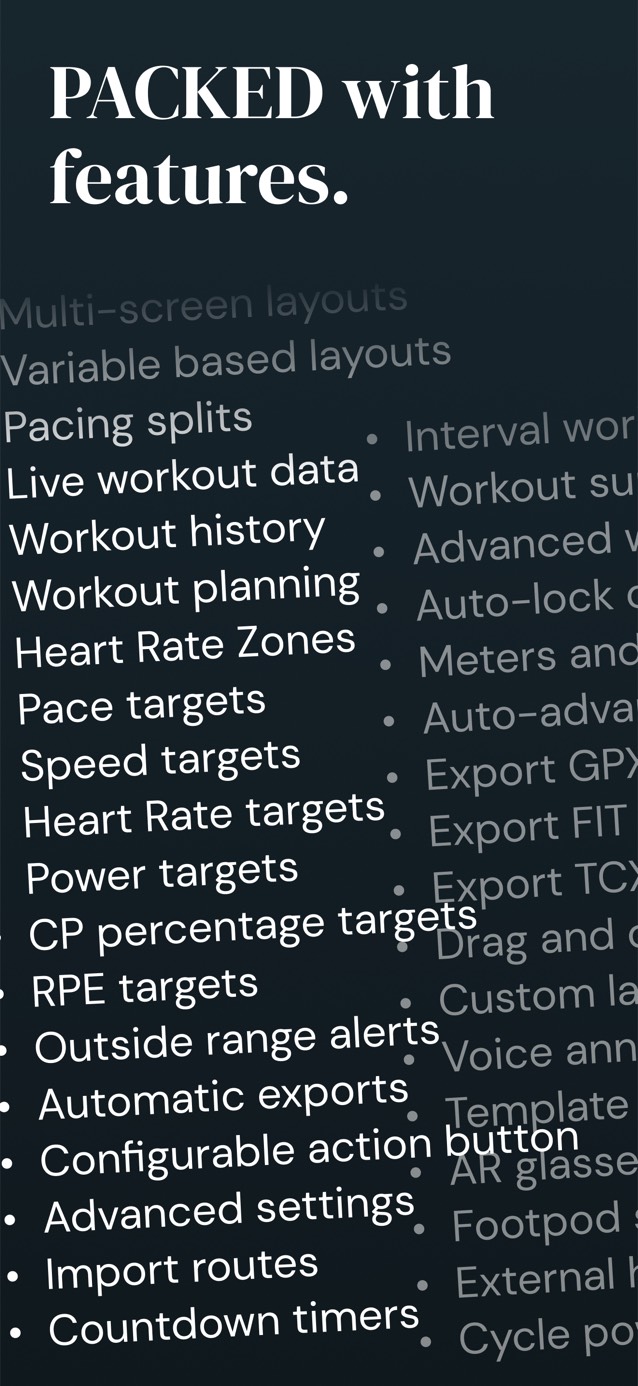
- Sync workouts with TrainingPeaks, Final Surge, AI Endurance, Runcoach, Nolio, Intervals.icu, Trenara, Tredict, Runalyze, and TrainAsONE.
- Train for running, cycling, and swimming with discipline-specific workouts.
- GPS and distance tracking for accurate cross-country skiing workouts.
- Create complex custom structured workouts with intervals, warmups, cooldowns, recovery, and more.
- Import and export structured workouts to and from your favorite training platforms.
- Import .FIT files generated from various services.
- Custom workout templates for personalized training plans.
- Audio/tactile cues when out of a target range.
- Pacing splits with positive or negative splits, and optional reference route for hill effort configuration.
- Save workouts to Apple Health and sync them with other apps.
- Export completed workouts directly to Strava and Runalyze.
- Export to GPX, TCX, and FIT workout files.
- Start quickly with presets for common workout settings.
- Check your workout without raising your wrist using the Always-On display.
Pricing
Watchletic's core workout features are free. Join Watchletic Club to import scheduled workouts, import FIT files, and unlock advanced workout graphs. Your local price is shown before purchase. Feature availability can vary by platform and watch model.
| Free | Premium | |
|---|---|---|
| Running workouts | ✓ | ✓ |
| Cycling workouts | ✓ | ✓ |
| Swimming workouts | ✓ | ✓ |
| Walking workouts | ✓ | ✓ |
| Cross-country skiing workouts | ✓ | ✓ |
| Create custom structured workouts | ✓ | ✓ |
| Create custom workout templates | ✓ | ✓ |
| Create custom workout plans | ✓ | ✓ |
| Sync workouts with Apple Health or Health Connect Apple Watch + Wear OS | ✓ | ✓ |
| Announcements for new intervals, current pace, etc. | ✓ | ✓ |
| Show heart rate zones when working out for all workout types | ✓ | ✓ |
| Setup custom layouts for showing live workout data | ✓ | ✓ |
| Setup pacing splits similar to Garmin's PacePro | ✓ | ✓ |
| Always-On display | ✓ | ✓ |
| Connect your watch to Bluetooth devices: Stryd foot pod, heart rate monitors, smart treadmills/Runn, CORE body temperature sensors, and ActiveLook/ENGO glasses Apple Watch + Wear OS | ✓ | ✓ |
| Use Apple Watch Ultra action button to skip intervals or pause workout Apple Watch only | ✓ | ✓ |
| Open today's workout from a Tile or watch face complication Wear OS only | ✓ | ✓ |
| Optionally auto-pause runs and cycling | ✓ | ✓ |
| View post-workout stats | ✓ | ✓ |
| Animate your workouts | ✓ | ✓ |
| Export to Strava and Runalyze | ✓ | ✓ |
| Export to GPX, TCX, FIT files | ✓ | ✓ |
| Export to TrainingPeaks, Final Surge, TrainAsONE, and Tredict | ✓ | ✓ |
| Import from TrainingPeaks, Final Surge, TrainAsONE, AI Endurance, Nolio, Runcoach, Trenara, Intervals.icu, Athletica, Tredict, StrideOn, Stryd, V.O2 | ✓ | |
| Import FIT files | ✓ | |
| Advanced graphs | ✓ |