 Watchletic
Use Engo 2 with Stryd on Apple Watch
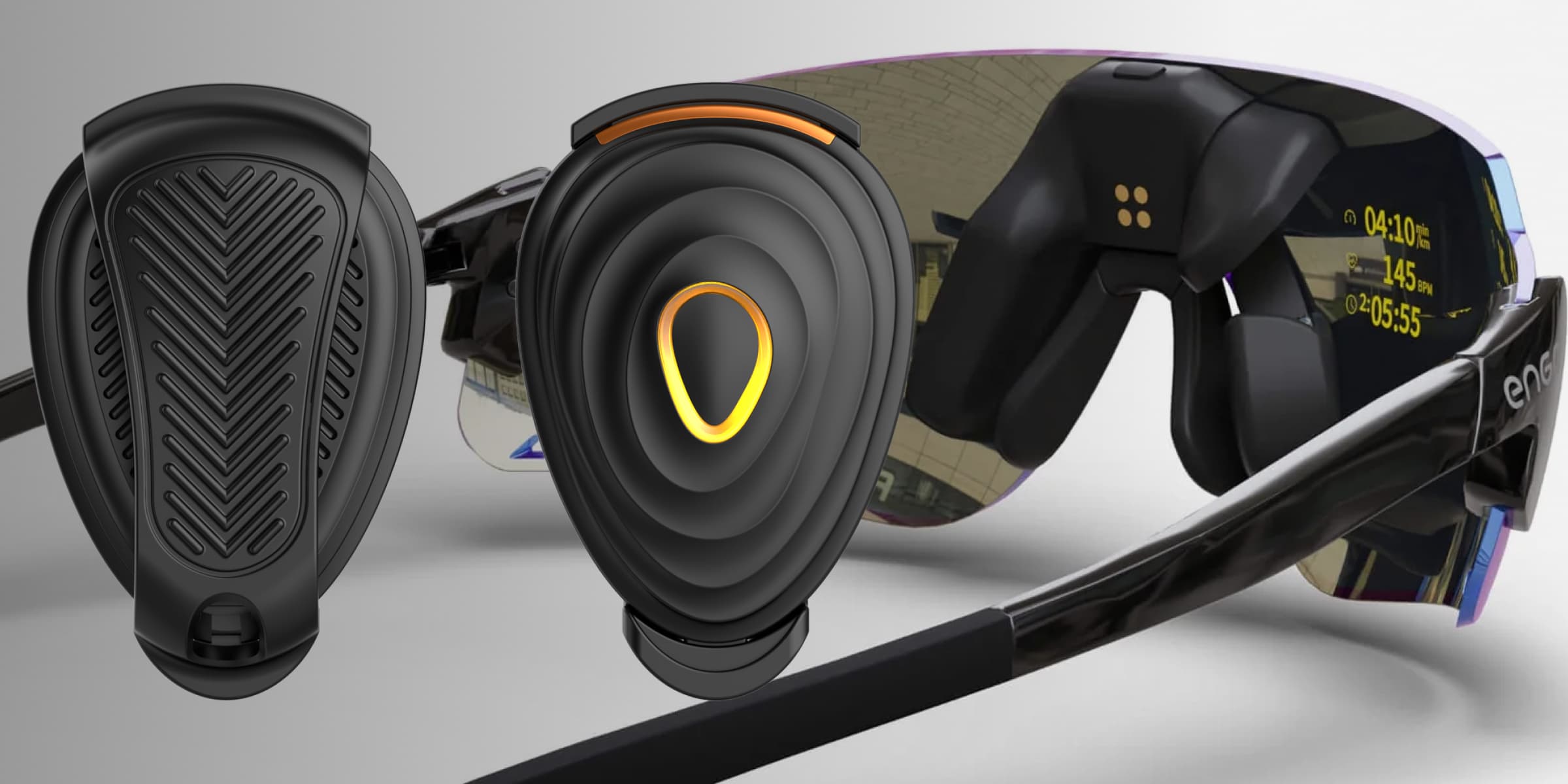
Stryd and Engo 2 each have their own app, but those apps do not let you use Stryd running power on the glasses while Apple Watch records the workout.
That leaves Apple Watch runners choosing one device, trying workarounds with a phone or extra pod, or moving the workout to Garmin.
Connect both devices to Watchletic
Watchletic is the only app that lets you use Stryd and Engo 2 together on Apple Watch. It can connect to both devices at the same time, which means you can get your Stryd running power on the Engo 2 display while using your Apple Watch for the workout.
This combination was previously mostly available to Garmin users.
Keep power in view
Power-based training works best when the number you care about is always visible. With Engo 2, your power target stays in your field of view instead of forcing you to keep glancing down at your watch.
You can:
- hold a steady target during intervals and threshold sessions
- react faster to small pace changes
- keep your head up and your form more relaxed
- race by power without constantly checking your wrist
Start the workout from one app
Both devices work well on their own, but each expects its app to control the workout.
On Apple Watch, that left runners stuck between ecosystems. If you wanted Stryd's power data, you used the Stryd app. If you wanted Engo 2 on-screen metrics, you used the Engo/ActiveLook app. Getting both at once was the part that broke down.
Pair both devices to Watchletic and start the workout there. Watchletic reads the Stryd data and sends your chosen workout layout to Engo 2.
Works with Stryd PowerCenter too
Watchletic also supports importing and exporting workouts with Stryd PowerCenter.
You can plan a workout in Stryd PowerCenter, import it to Watchletic, run it with Stryd + Engo 2, and export the result back for analysis.
How it works in practice
Watchletic talks to both devices, so you only start one workout.
For Engo 2, it's a good idea to first use the ActiveLook app when you get the glasses, just to do the initial setup and make sure the display position is visible and comfortable. After that, for workouts, you connect the glasses in Watchletic on Apple Watch.
For Stryd, the connection idea is the same. Once connected in Watchletic, the app will use Stryd as the source for the supported running metrics instead of relying on the Apple Watch for those values.
What shows up on Engo 2
When you start a workout in Watchletic, the app will show the Engo device and either connect automatically or let you connect there if needed.
During the workout, Engo mirrors your Watchletic workout layout. So if your first layout screen shows, for example, distance, duration, and power, those are the values that will also show on the glasses.
If your Watchletic layout has multiple screens, Engo currently mirrors the first screen only. A practical way to use that is to put the values you want on the glasses on the first screen, then keep extra information on a second screen that you can still scroll to on the watch.
What Stryd replaces when connected
Once Stryd is connected to Watchletic, the following running metrics are taken from Stryd instead of Apple Watch and written to Apple Health:
- running power
- pace
- vertical oscillation
- ground contact time
- stride length
- distance
In addition to that, Watchletic also collects and stores extra Stryd metrics that are not written to Apple Health, but are included in exported FIT files:
- form power
- leg spring stiffness
- elevation
- air power
- impact
- humidity
That gives you a more complete Stryd-based data stream in Watchletic while still using the Stryd-backed values you care about on both the watch and the Engo display.
How to get started
To use the setup:
- When you first get Engo 2, use the ActiveLook app to set up the glasses so the display is positioned correctly and is easy to see.
- Open Watchletic on Apple Watch, go to Settings > Bluetooth > Running (or the sport you're using), press Search, and connect Engo 2.
- In the same place, press Search and connect Stryd too.
- Start your workout from Watchletic.
Once connected, Watchletic reads the supported running metrics from Stryd and mirrors your chosen Watchletic layout to Engo 2 during the run.
Once both devices are connected, Watchletic puts running power from Stryd on the Engo 2 screen and keeps Stryd PowerCenter import and export in the same workout flow.


It's free to get started.